Lock your browser
with a fingerprint
Protect your browser profile with Touch ID, Windows Hello, or a 6-digit PIN. No one sees your history, bookmarks, or passwords without your permission.
Everything you need to
secure your browser
TouchLock guards your entire browser profile — history, bookmarks, passwords, and more.
Biometric Unlock
Unlock with Touch ID on Mac or Windows Hello on PC. Auto-triggers when the lock screen loads.
6-Digit PIN
SHA-256 hashed with random salt. Always available as a fallback, even without biometric hardware.
Profile-Level Lock
Blocks access to history, downloads, bookmarks — your entire profile is protected until authenticated.
Auto-Lock on Startup
Every browser launch requires authentication. No manual action needed — it just works.
Tab Guards
Prevents switching tabs, opening new tabs, or closing the lock tab. No way to bypass the lock screen.
PIN Recovery
Forgot your PIN? Answer 2 of 3 security questions to reset. Your data stays safe.
Simple to set up,
impossible to bypass
Get protected in under a minute. Three steps, that's it.
Install the extension
Add TouchLock from the Edge Add-ons store, or load it manually in developer mode.
Set your PIN & security questions
Choose a 6-digit PIN and answer 3 security questions for recovery. Optionally register biometrics.
You're protected
Your browser locks automatically on every startup. Unlock with your fingerprint or PIN.
See it in action
A quick look at TouchLock's key screens and features.
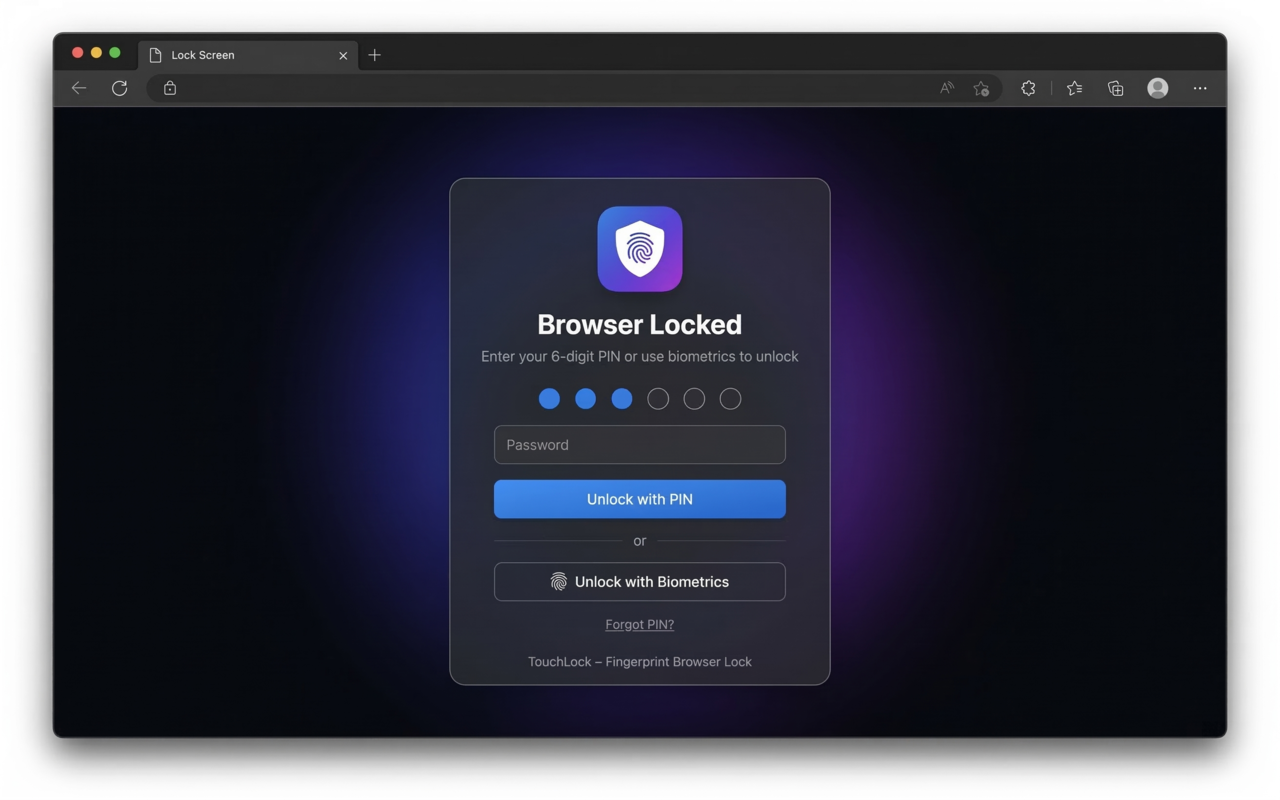
Lock Screen — PIN entry with biometric option
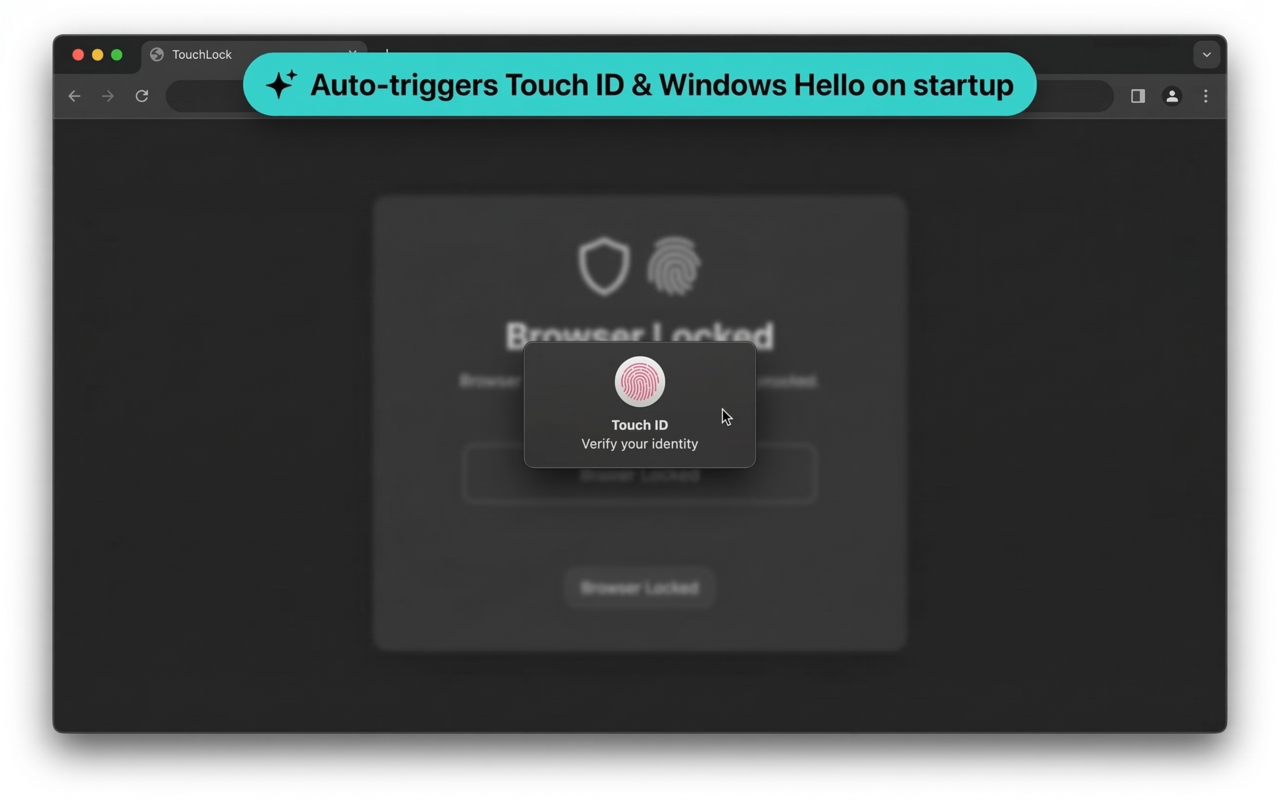
Auto-triggers Touch ID & Windows Hello on startup
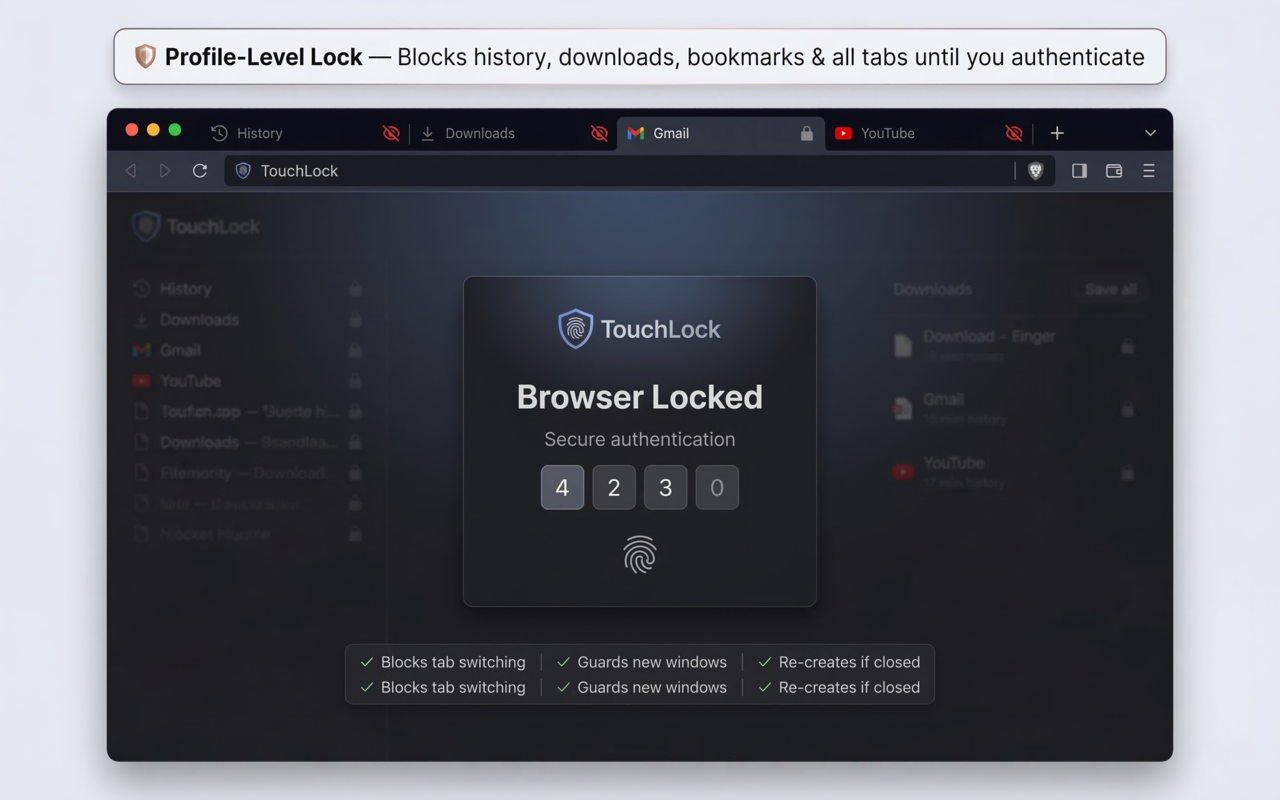
Profile-Level Lock — blocks history, downloads & all tabs
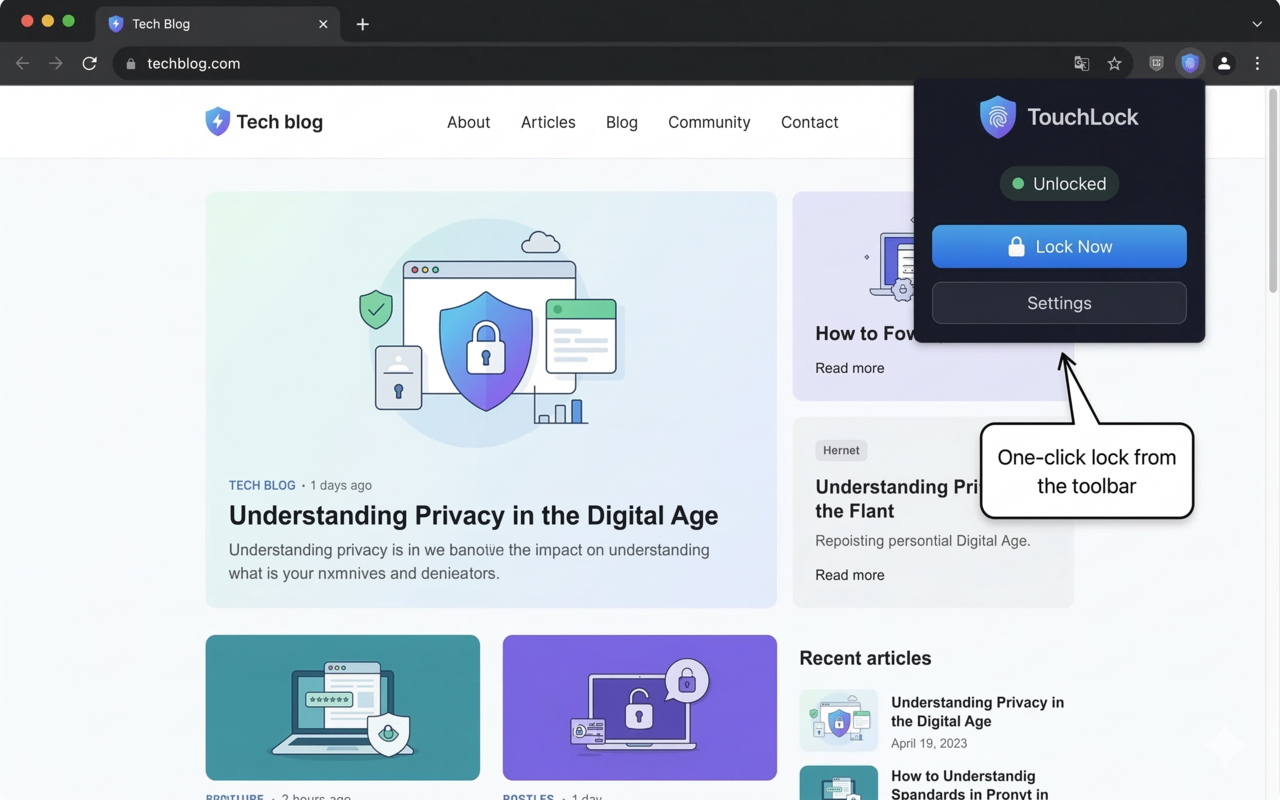
One-click lock from the toolbar popup
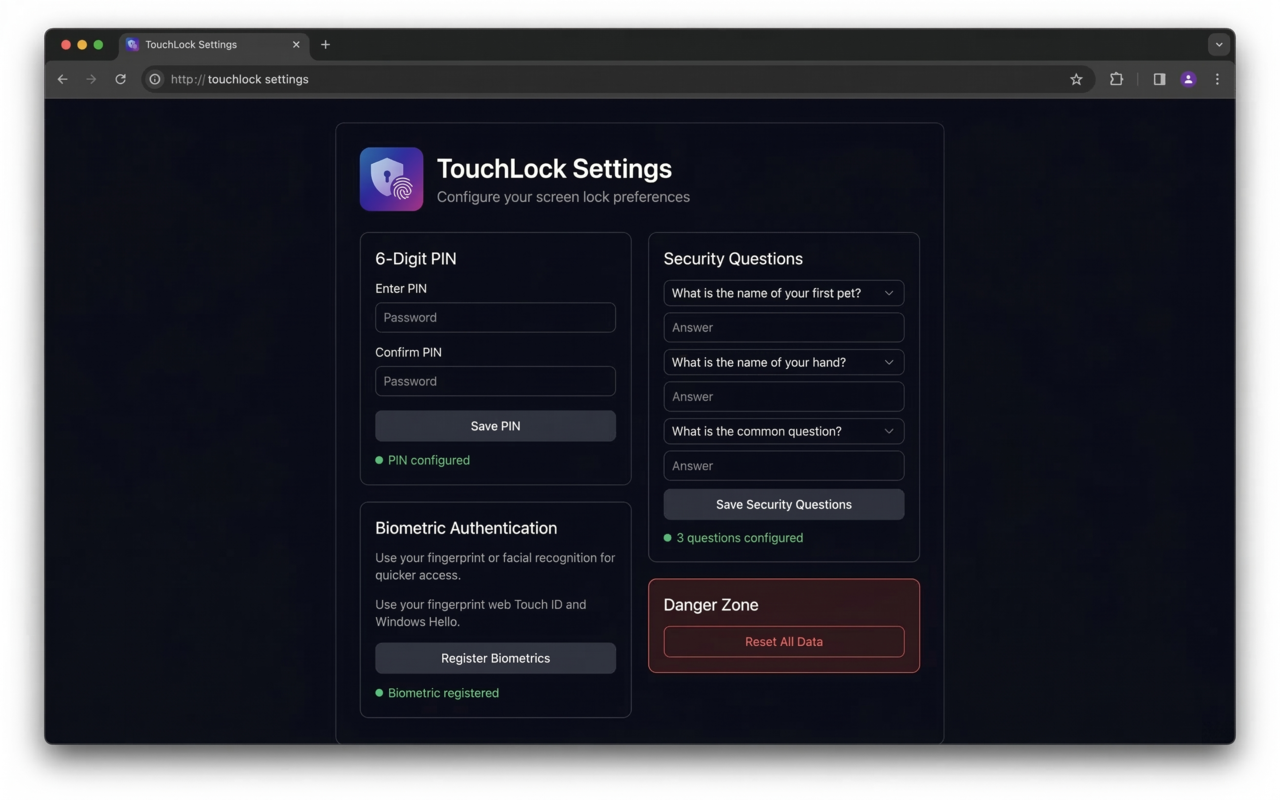
Settings — PIN, security questions & biometric setup
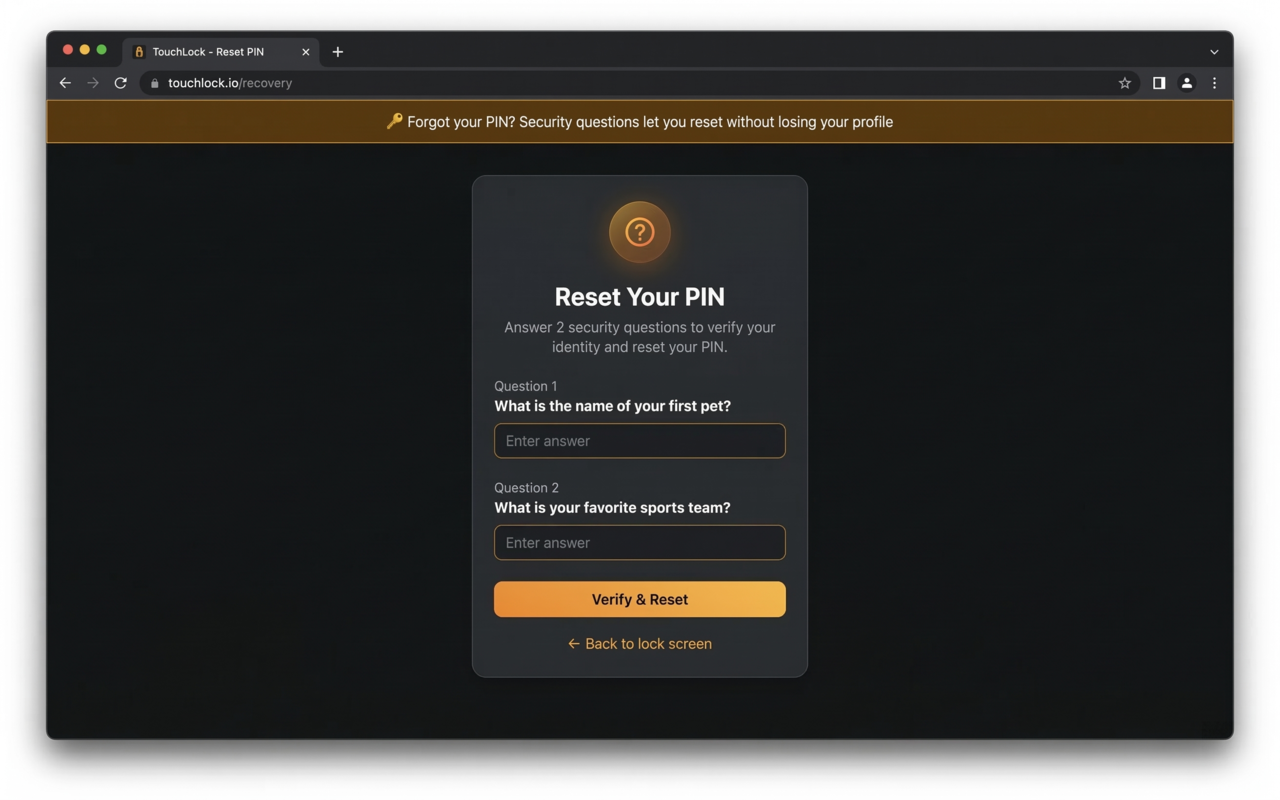
PIN Recovery — reset with security questions
Get TouchLock
Available for Edge, Firefox, Chrome, and other browsers. Choose your preferred method.
Manual Installation Steps
Download the ZIP file above and extract it to a folder
Open your browser and go to the extensions page — edge://extensions, chrome://extensions, or brave://extensions
Enable Developer mode (toggle in the top-right corner)
Click Load unpacked and select the extracted folder
TouchLock will open Settings automatically — set your PIN and you're done!
Works with your browser
Chromium 110+ (Manifest V3) & Firefox 109+ (Manifest V2)